JPEG vs PNG: Which Image Format Should You Use?
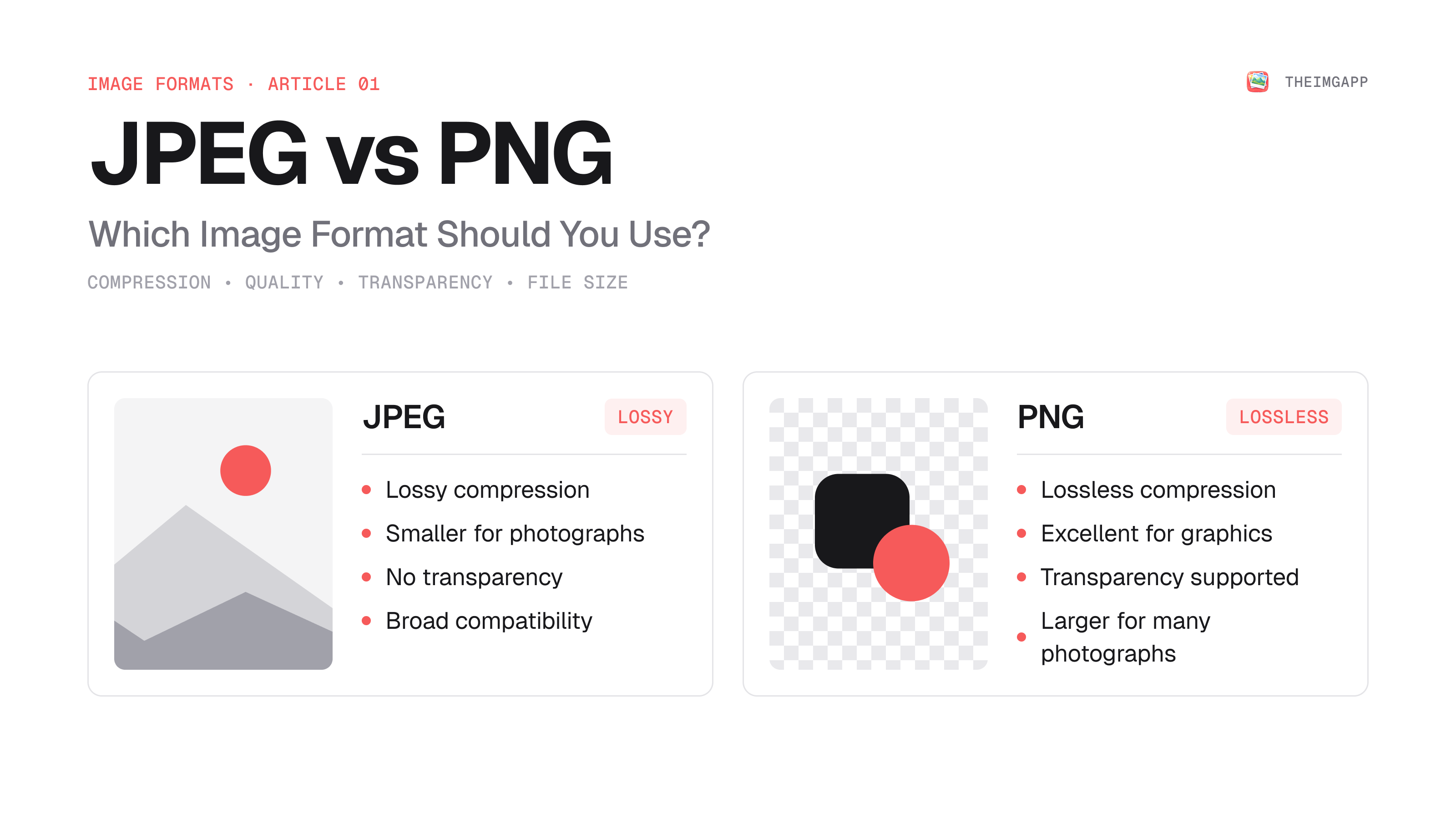
JPEG and PNG are two of the most widely used image formats on the web, but they solve different problems. JPEG is designed around efficient lossy compression, especially for photographs. PNG is designed for lossless image storage and supports transparency.
The right choice depends on what your image contains and where you need to use it.
Quick Decision Guide
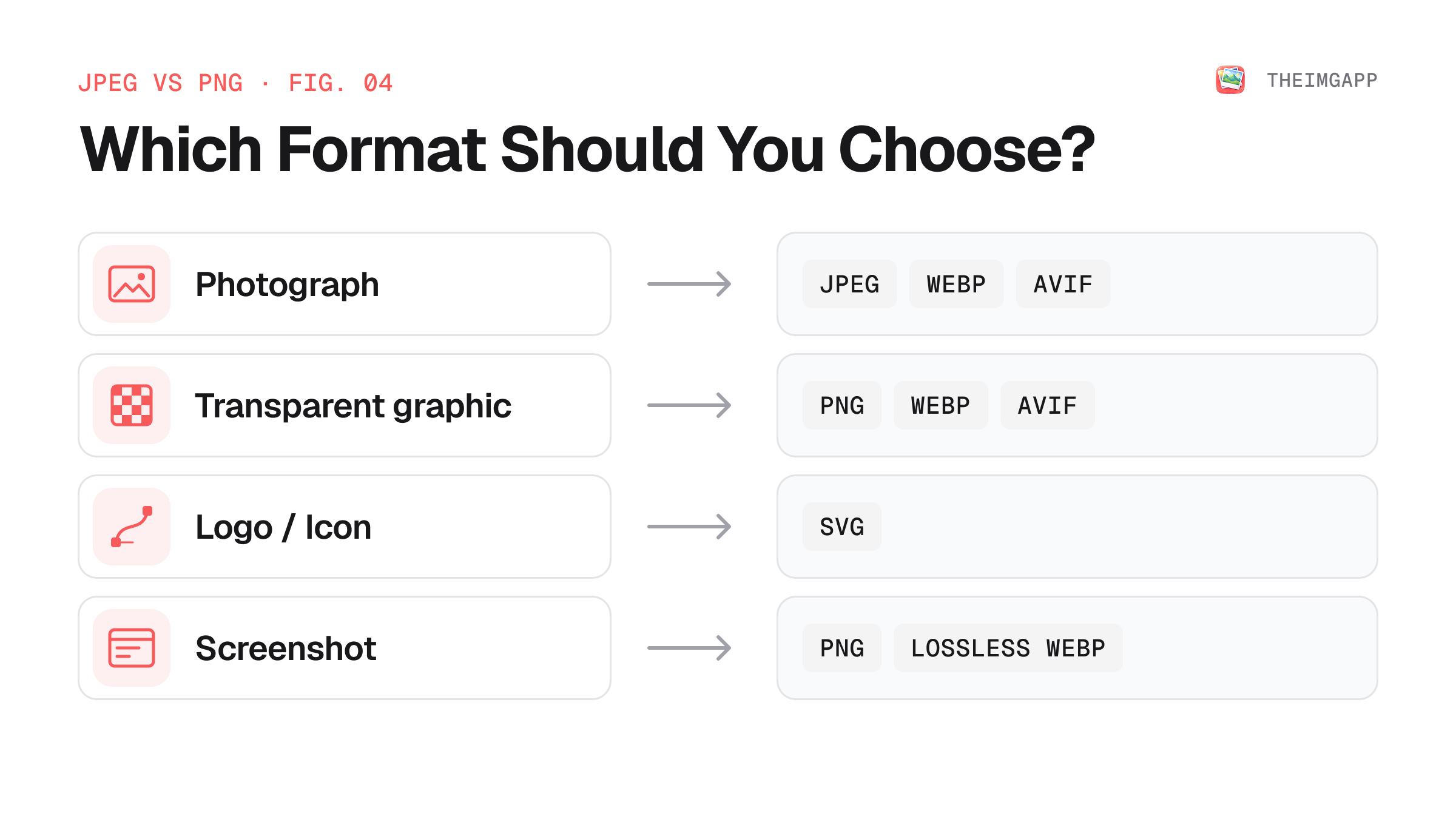
- Photographs → JPEG is usually a good compatibility-first choice; WebP or AVIF can often reduce web file size further.
- Screenshots with text → PNG can preserve sharp edges, although lossless WebP is another option for web delivery.
- Logos and icons → SVG is usually preferable when the artwork is vector-based.
- Transparency → PNG supports transparency; JPEG does not.
- Smallest modern web delivery → Consider WebP or AVIF and provide fallbacks where appropriate.
MDN describes JPEG as a good choice for lossy compression of still images, while PNG is preferred when more precise reproduction or transparency is required. WebP and AVIF generally offer better compression for web delivery. MDN image format guide.
JPEG vs PNG at a Glance
| Feature | JPEG | PNG |
|---|---|---|
| Compression | Lossy | Lossless |
| Transparency | No | Yes |
| Best for | Photographs | Graphics, screenshots, transparency |
| Repeated saving | Can accumulate quality loss | Does not introduce lossy generation loss |
| Web file size for photos | Usually smaller | Often much larger |
| Sharp text and line art | Can show artifacts | Excellent |
| Modern web alternatives | WebP / AVIF | WebP / AVIF |
What Is JPEG?
JPEG is a raster image format built around lossy compression. It works particularly well for photographs because small changes in color and detail can often be compressed without being obvious at normal viewing sizes.
Strengths
- Efficient for photographs
- Small files at moderate quality settings
- Supported by essentially all mainstream browsers and image software
- Useful when compatibility matters
Weaknesses
- No alpha transparency
- Compression removes image information
- Repeated re-encoding can introduce generation loss
- Strong compression can create ringing, blocking, and other artifacts around edges
What Is PNG?
PNG is a raster format designed for lossless compression. It preserves the image information represented in the file and supports an alpha channel for transparency.
Strengths
- Lossless compression
- Transparency support
- Excellent for screenshots, diagrams, text-heavy graphics, and UI assets
- Good for images where small edge artifacts are unacceptable
Weaknesses
- Often inefficient for photographs
- Files can become large when the image contains many colors and fine photographic detail
JPEG vs PNG: The Most Important Difference
The key difference is how they trade image information for file size.
JPEG can make a photo dramatically smaller by discarding information that may be difficult to notice visually.
PNG does not make that same lossy trade-off.
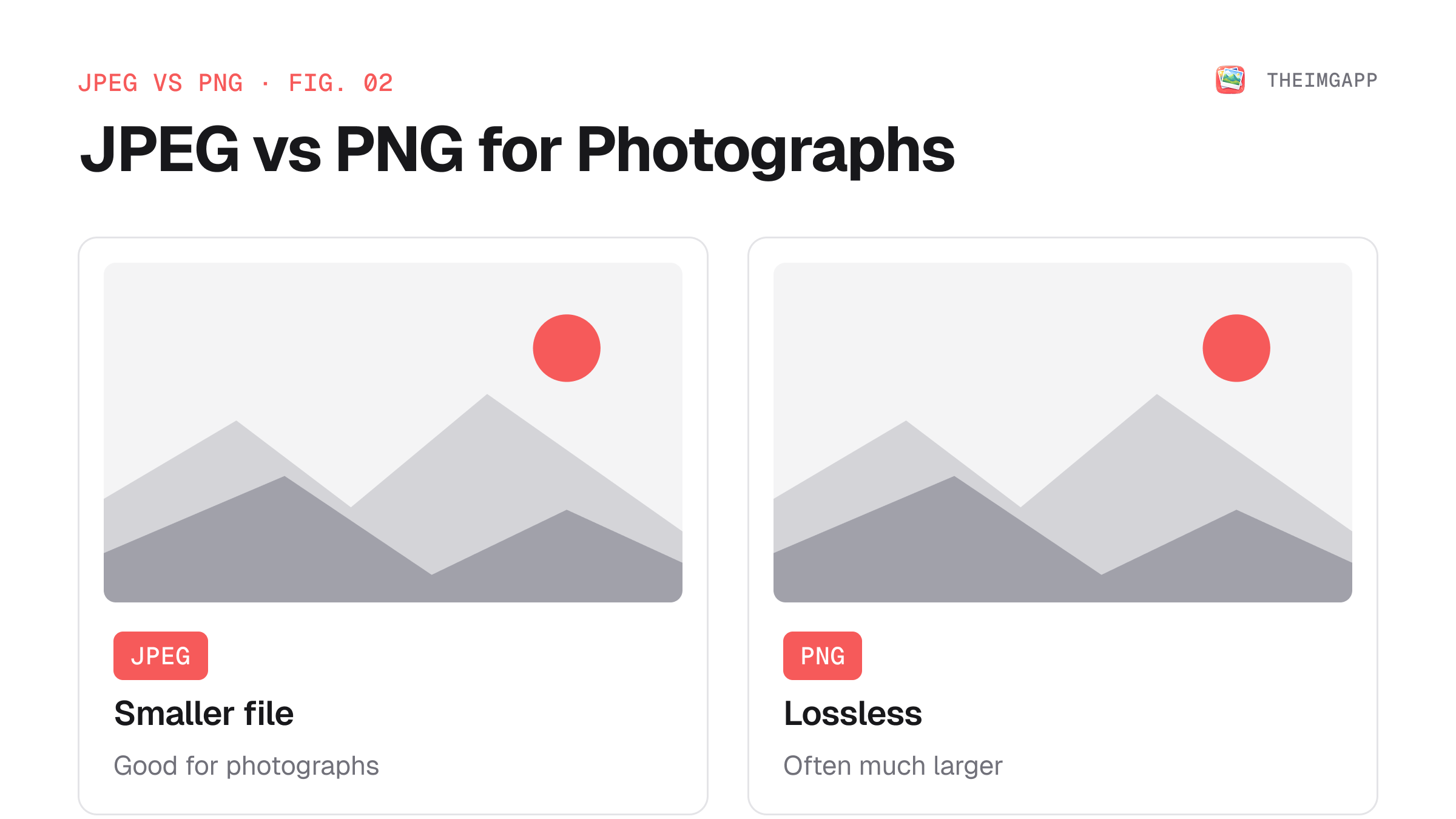
A photographic image can therefore be much smaller as JPEG than PNG, while a screenshot containing text may look noticeably worse after aggressive JPEG compression.
Example: Photograph vs Screenshot
Imagine two 1920×1080 images.
Example 1: Photograph
A photograph contains smooth gradients, textures, and many color variations.
JPEG is a natural fit because its compression model is effective for this kind of content.
Example 2: Screenshot
A screenshot may contain:
- Small text
- Sharp borders
- Solid colors
- UI icons
- Thin lines
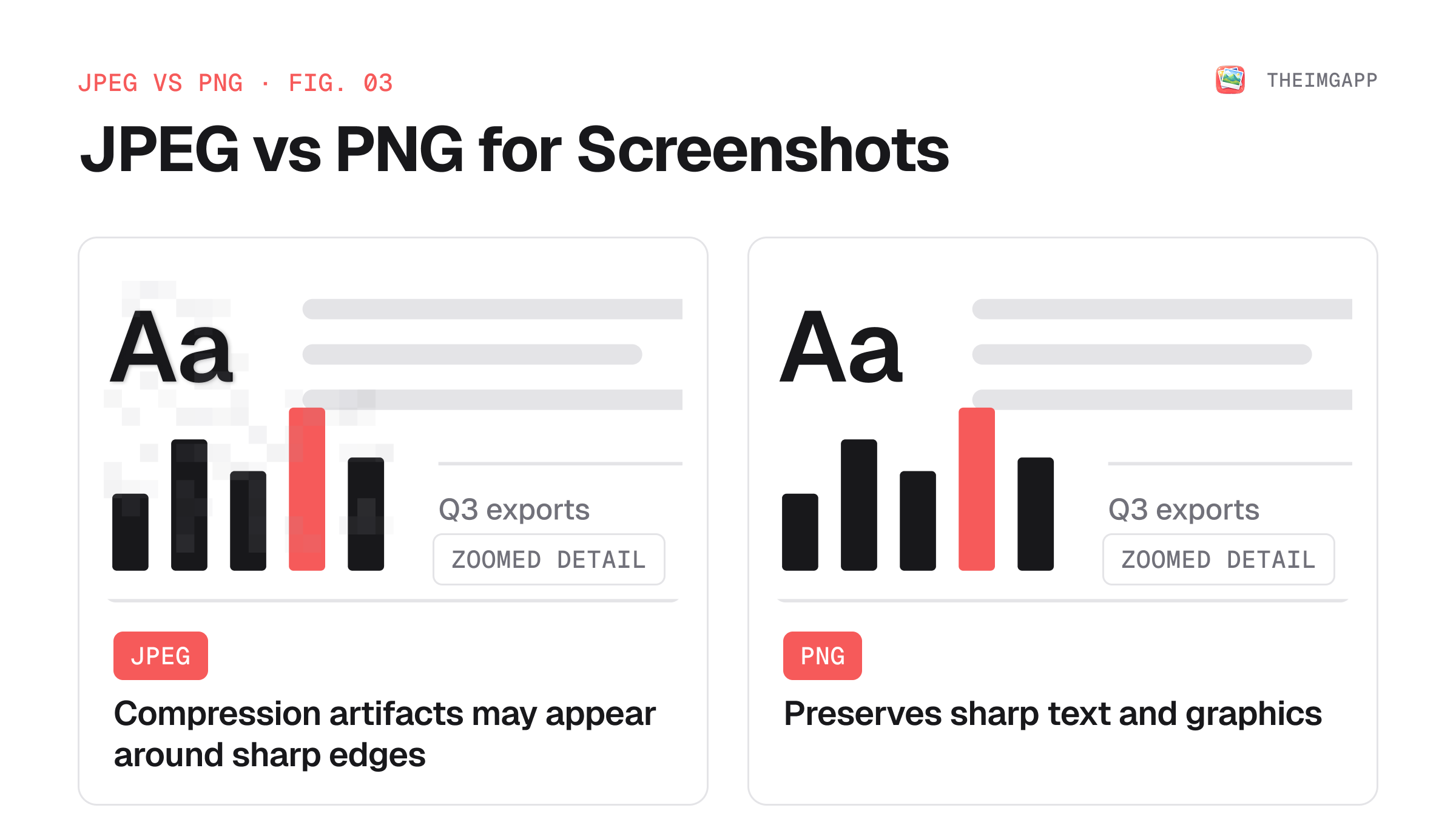
Lossy JPEG compression can create visible artifacts around those high-contrast edges. PNG or lossless WebP may preserve them better.
Does PNG Always Produce Better Quality?
Not automatically.
PNG is lossless, but that does not mean every PNG is visually "better" for every use case. A well-compressed WebP or AVIF can preserve excellent visual quality at a much smaller size.
The correct question is:
Which format gives me the required visual quality at an appropriate file size for this use case?
When Should You Use JPEG?
Use JPEG when:
- You are working with photographs
- You need broad compatibility
- The image does not need transparency
- You are preparing images for systems that specifically request JPEG
- You need a conventional fallback format
For websites, also consider converting the final asset to WebP or AVIF when your delivery stack supports them.
Use the theimgapp Image Compressor to reduce JPEG file size before publishing.
When Should You Use PNG?
Use PNG when:
- Transparency is required
- You have screenshots with text
- You have technical diagrams
- You have graphics with sharp edges
- Exact pixel reproduction is important
For simple logos and icons, check whether SVG is a better fit before choosing PNG.
Use the theimgapp Lossless Optimizer to reduce lossless image size without changing the image dimensions.
JPEG vs PNG for Websites
For a modern website, you do not have to choose JPEG or PNG for every image.
A practical workflow is:
- Start with the source image.
- Decide whether it is photographic, graphical, or vector-based.
- Resize it to the dimensions actually required by the page.
- Choose a suitable raster format.
- Consider WebP or AVIF for web delivery.
- Keep an appropriate fallback for compatibility-sensitive cases.
For modern browser delivery, MDN recommends considering WebP or AVIF because they generally provide better compression than older raster formats. MDN.
How to Convert JPEG to PNG or PNG to JPEG
Use the theimgapp Format Converter.
Keep in mind that converting JPEG to PNG does not restore information lost during JPEG compression. It only changes the container/encoding of the already-compressed image.
Similarly, converting PNG to JPEG introduces lossy compression and removes transparency.
Common Mistakes
Converting every image to PNG
This can create unnecessarily large files, especially for photographs.
Using JPEG for transparent images
JPEG cannot store an alpha channel. Use PNG, WebP, AVIF, or another format that supports transparency.
Treating file extension as the whole optimization strategy
Image dimensions, encoding settings, content type, and delivery method all affect performance.
Compressing after repeatedly converting formats
Repeated lossy conversions can accumulate visible artifacts. Keep a high-quality source asset and generate delivery versions from it.
FAQ
Is JPEG smaller than PNG?
For many photographs, yes. PNG is lossless and can be much larger for photographic content. The exact size depends on the image.
Is PNG higher quality than JPEG?
PNG is lossless, while JPEG is lossy. For images that benefit from exact reproduction, PNG can preserve details that JPEG compression may remove.
Should I use JPEG or PNG for a website?
Choose based on the image. JPEG is often appropriate for photographs; PNG is often appropriate for transparency, screenshots, and graphics with sharp edges. For modern web delivery, also consider WebP and AVIF.
Can I convert JPEG to PNG without losing quality?
You cannot recover information already removed by JPEG compression. Saving that JPEG as PNG does not restore the original image.