What Is EXIF Metadata in Images and Why Should You Remove It?
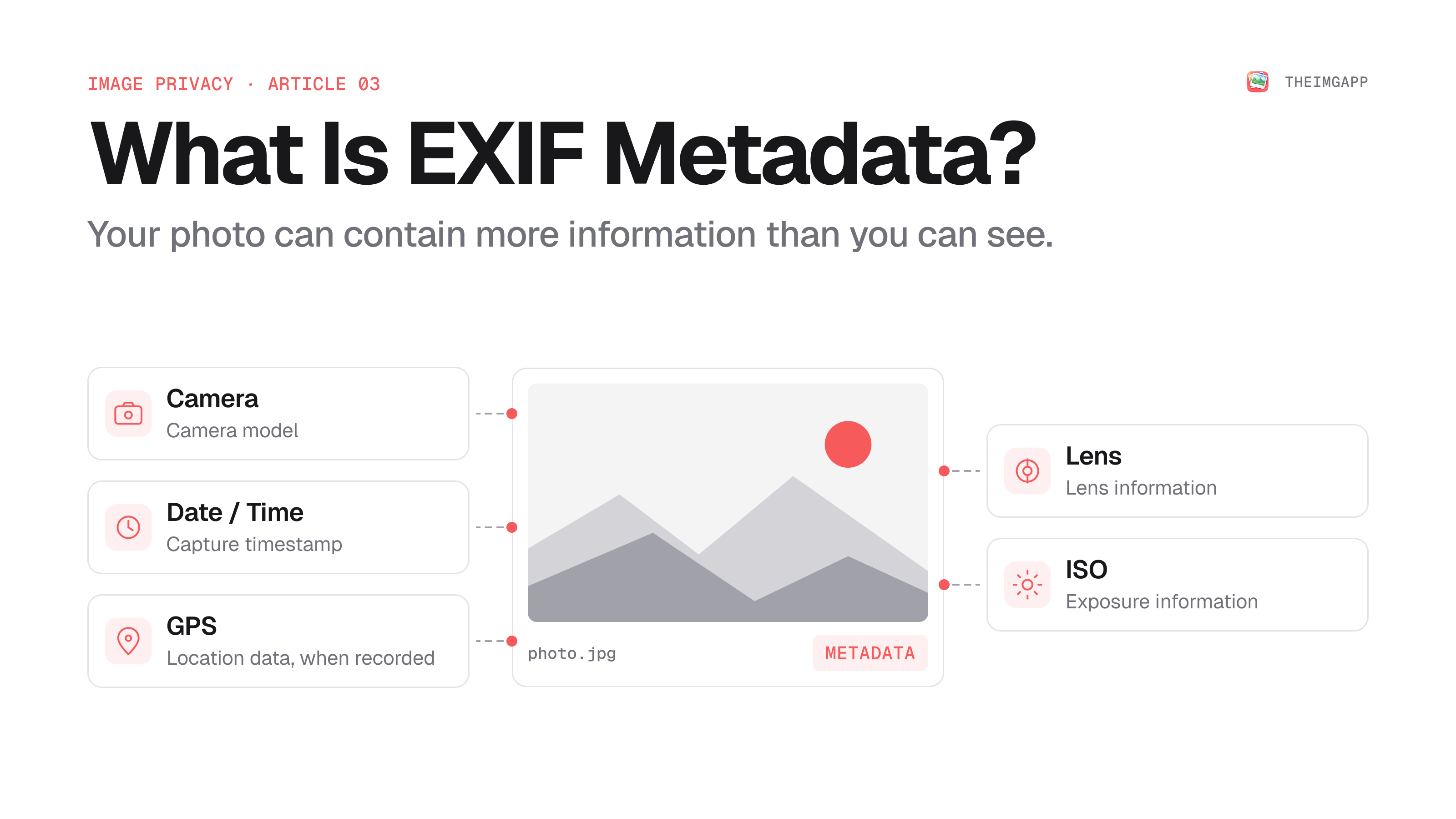
When you take a photo with a phone or digital camera, the image file can contain more than the visible picture.
It may also contain metadata describing the camera, capture settings, date, software, and—in some cases—location information.
This metadata is commonly associated with EXIF, short for Exchangeable Image File Format.
Metadata can be useful, but it can also reveal information you did not intend to share.
Quick Answer
EXIF metadata can include information such as:
- Camera make and model
- Lens information
- Exposure settings
- Focal length
- Date and time
- Orientation
- GPS coordinates, when recorded
Whether you should remove it depends on the situation.
Keep metadata when you need it for photography workflows, cataloging, or editing. Consider removing it before publicly sharing a photo when the metadata contains information you do not want to disclose.
What Is EXIF Metadata?
EXIF is metadata embedded in image files by cameras, smartphones, and image-processing software.
It can describe how the photo was captured and how the file was processed.
The visible image and its metadata are related, but they are not the same thing.
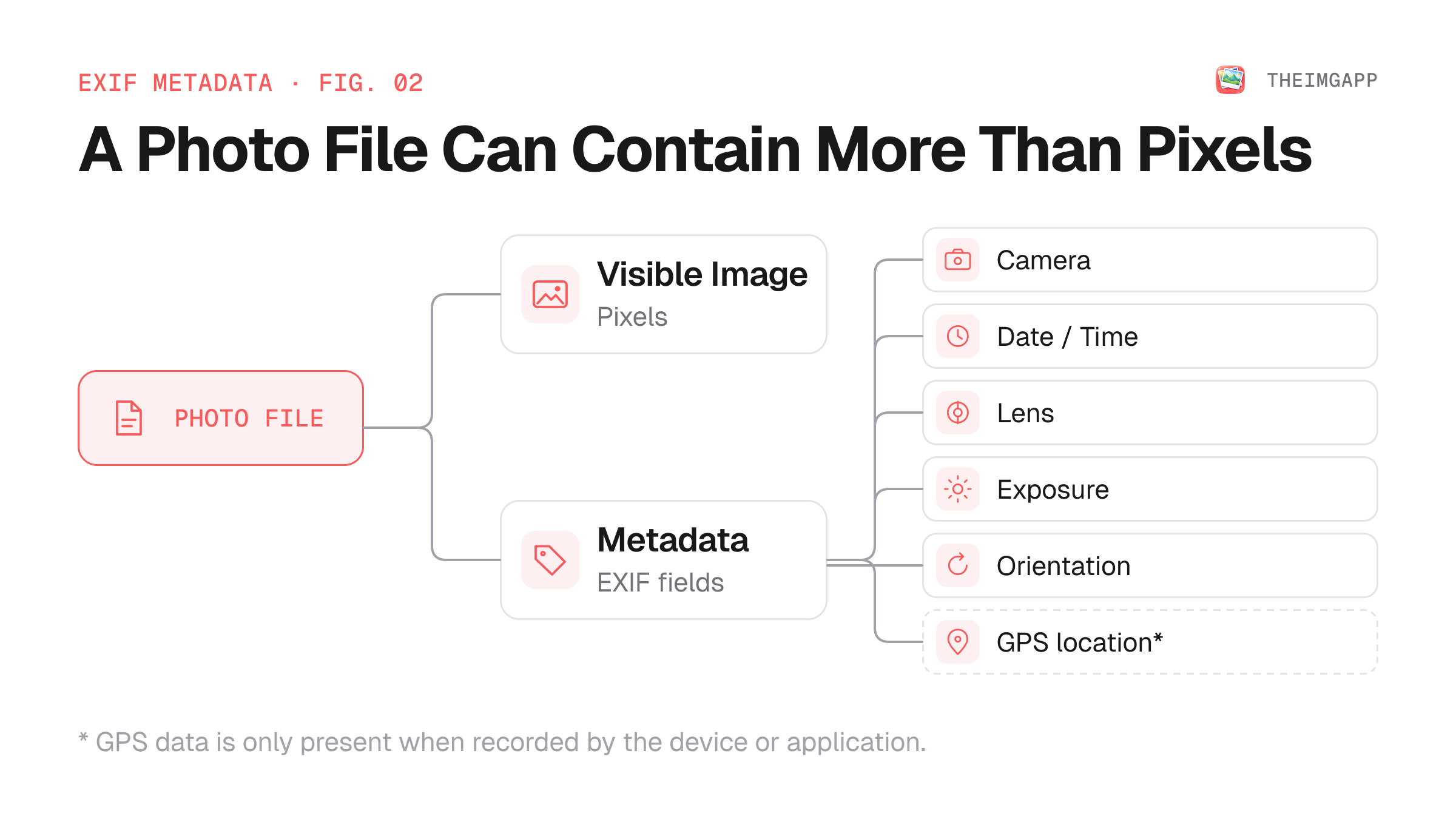
Think of it as:
Photo file
├── Visible image
└── Metadata
    ├── Camera
    ├── Capture settings
    ├── Date/time
    ├── Orientation
    └── GPS (if recorded)
What Information Can EXIF Contain?
Depending on the camera, phone, application, and export process, metadata can include:
| Metadata | Example |
|---|---|
| Camera make | Canon / Apple / Sony |
| Camera model | Specific device model |
| Lens | Lens model or focal length |
| Exposure | Shutter speed, aperture, ISO |
| Date/time | Capture timestamp |
| Orientation | Portrait / landscape orientation |
| Software | Application used to process image |
| GPS | Latitude and longitude, if recorded |
| Image dimensions | Pixel width and height |
Not every image contains every field.
Why Can GPS Data Matter?
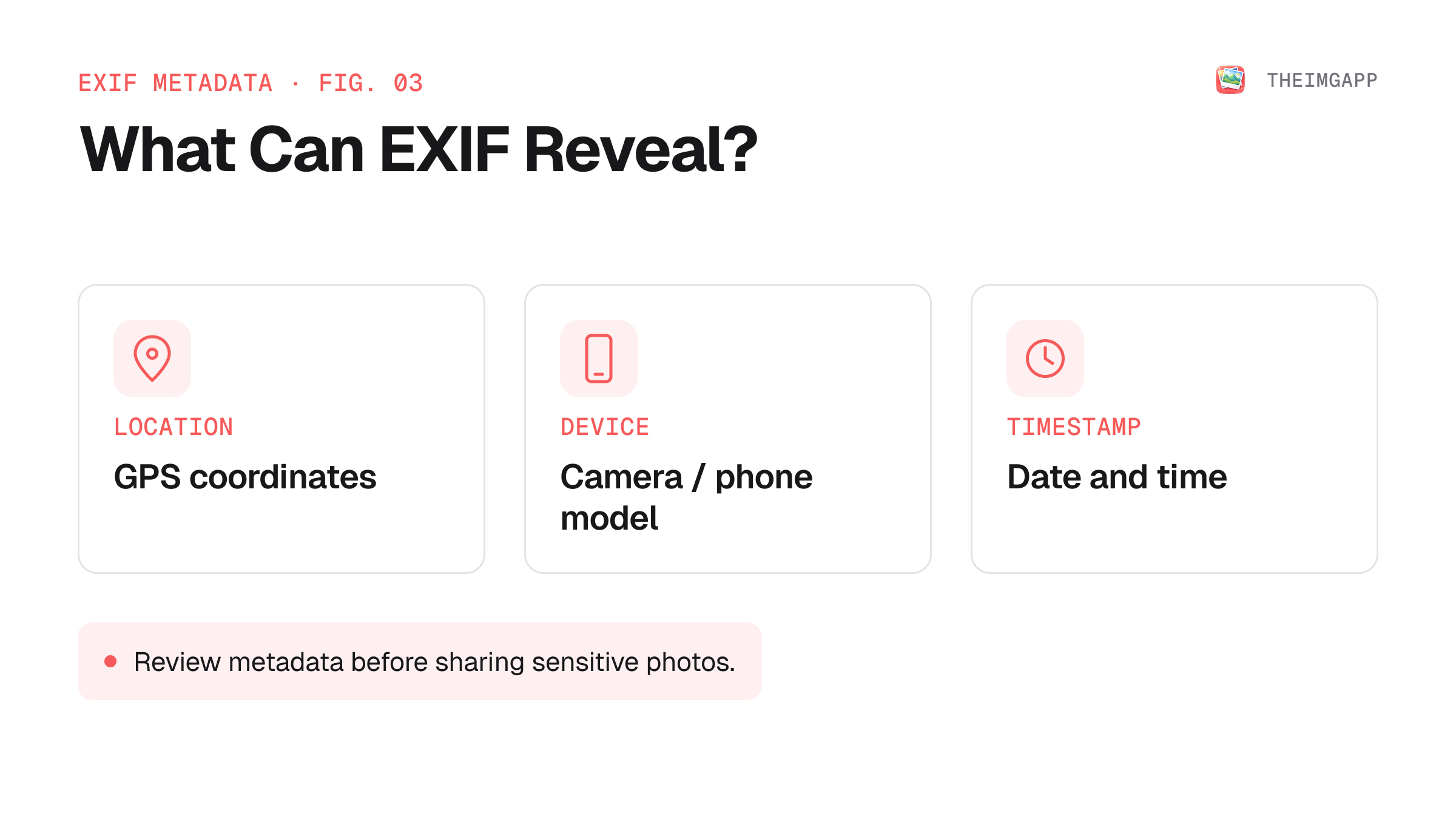
GPS metadata can be especially sensitive because it may describe where a photograph was taken.
For a holiday photo, this may simply identify a tourist destination.
For a photo taken at home, however, GPS coordinates can potentially reveal a much more precise location.
That is why many privacy-conscious workflows remove location metadata before publicly sharing photographs.
When Should You Keep EXIF?
Metadata can be valuable.
Photographers may use it to:
- Search and organize photos
- Review camera settings
- Identify lenses
- Maintain an archive
- Reproduce a photography setup
- Track editing workflows
Removing all metadata is therefore not always the right answer.
Consider the purpose of the image before stripping metadata.
When Should You Remove EXIF?
Removing metadata can make sense when:
- Publishing a photo publicly
- Sharing photos on forums
- Uploading photos to a website
- Sending photos to people you do not fully trust
- Selling or distributing images where metadata is unnecessary
- You want to minimize accidental disclosure of capture information
How to Remove EXIF Metadata
Use the theimgapp Image Metadata Tool.
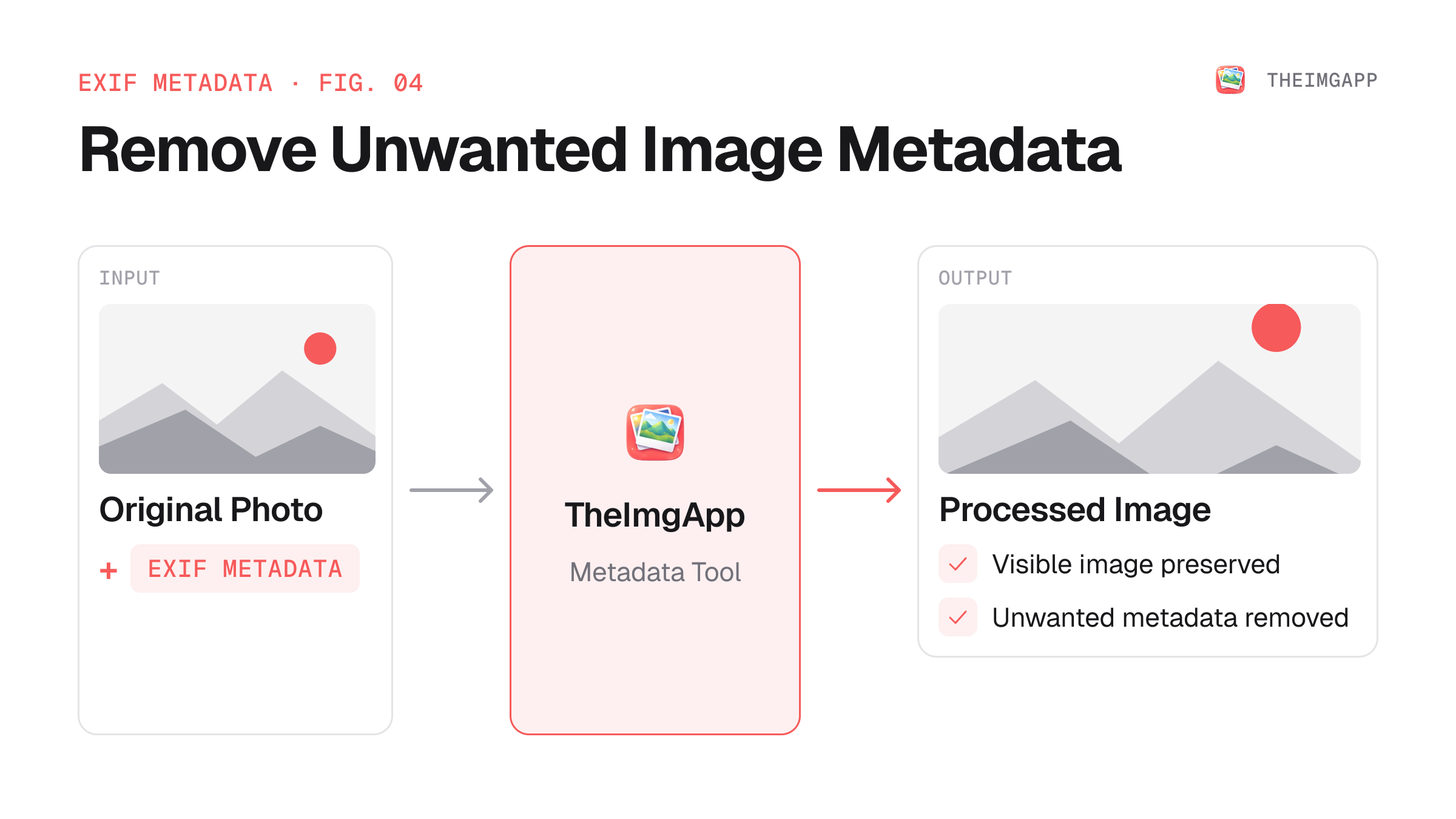
A simple workflow is:
- Select your image.
- Inspect the available metadata.
- Remove the metadata you do not want to keep.
- Download the processed image.
- Verify the resulting file if the metadata is sensitive.
Does Removing EXIF Remove the Image?
No.
Metadata is separate from the visible image content.
Removing metadata should not change the displayed pixels just because metadata was removed. The exact result depends on the processing operation and file format.
Metadata vs Image Content
It is useful to distinguish between:
Image content
The pixels you can see.
Metadata
Information stored alongside or around those pixels.
For example, blurring someone's face changes image content. Removing GPS coordinates changes metadata.
These are different privacy operations.
EXIF and Online Privacy
Do not assume that deleting EXIF solves every privacy problem.
A photograph can reveal information visually even when all metadata is removed.
For example, the image itself may show:
- A house number
- A street sign
- A workplace badge
- A distinctive landmark
- A computer screen
- Personal documents
Metadata removal should therefore be treated as one privacy step, not complete photo anonymization.
Browser-Based Metadata Removal
TheImgApp's privacy-first tools are designed around privacy and zero persistent file storage.
For a privacy-sensitive workflow, always verify the actual behavior of the application you are using and avoid uploading sensitive files to services you do not trust.
Common Mistakes
Assuming every photo contains GPS coordinates
Many files do not. GPS data depends on the device, settings, and export process.
Removing metadata from your only original
Keep your original archive if you may need the metadata later.
Assuming metadata is the only privacy risk
The visible content of an image can reveal sensitive information too.
Sharing a photo before checking its metadata
For sensitive images, inspect the file before publishing or sharing it publicly.
FAQ
Does every image contain EXIF metadata?
No. Metadata depends on the source device, application, file format, and processing history.
Can EXIF reveal my location?
It can, when GPS location information has been recorded in the file.
Does removing EXIF reduce image quality?
Metadata removal itself is not intended to change the visible image. Avoid unnecessary re-encoding when preserving image quality matters.
Can social media sites remove EXIF automatically?
Some platforms may strip or transform metadata during processing, but you should not rely on a third party to protect information you could remove yourself before uploading.